
Download Why Can't I Connect? – TCP/IP, network troubleshooting, connectivity, error diagnosis, internet issues, server diagnostics, client setup, network tool, utility app, troubleshooting tool, connectivity checker, network analyzer
Overview
Why Can't I Connect? is a specialized utility app designed to assist users in diagnosing and resolving common TCP/IP network connectivity issues. The application focuses on identifying data packet errors and providing actionable insights into internet connection problems. It serves as a diagnostic tool for individuals and professionals who need to assess network stability, detect misconfigurations, and verify server-client communication. The app is particularly useful in environments where consistent internet performance is critical, such as remote work setups, small business networks, or personal home networks experiencing intermittent outages.
By analyzing connectivity at both client and server levels, Why Can't I Connect? helps users understand the root causes of disruptions. Its functionality extends beyond basic connectivity checks by offering detailed error codes and descriptions, which can guide users toward appropriate fixes. This makes it a valuable asset for users with limited technical knowledge who still need to troubleshoot network issues independently. The app’s purpose is to simplify the diagnostic process, reducing reliance on external support and enabling faster resolution of common internet problems.
Although the developer did not provide additional technical details, the app’s category as a productivity tool suggests it is intended for practical, real-world use. Its release date in December 2015 indicates a long-standing presence in the mobile utility space, reflecting its reliability and consistent functionality. The app remains relevant in today’s digital ecosystem, where network stability is essential for communication, data transfer, and online services.
Key Features & Functionality
- Error Diagnosis: The app performs a comprehensive scan of the TCP/IP network stack, detecting data packet errors and transmission failures. It provides specific error codes and descriptive messages, allowing users to identify the nature and location of connectivity issues.
- User-Friendly Interface: Designed with accessibility in mind, the interface presents diagnostic results in a clear, organized manner. Navigation is straightforward, minimizing the learning curve for non-technical users while maintaining functionality for advanced users.
- Comprehensive Connection Testing: The application evaluates multiple layers of network performance, including client-side configuration, server responsiveness, and packet integrity. This multi-layered testing helps uncover hidden issues that standard ping tools may miss.
- Suggestions for Solutions: Upon detecting errors, the app offers practical recommendations tailored to each issue. These suggestions may include configuration adjustments, service restarts, or network reboots, empowering users to resolve problems without external help.
- Server and Client Diagnostics: The app supports both server-side and client-side network analysis, making it suitable for setting up or troubleshooting network configurations in development, testing, or production environments.
For example, a user experiencing intermittent Wi-Fi drops can use the app to determine if packet loss is occurring at the client level or due to server-side timeouts. Similarly, an IT professional setting up a new server can use the tool to validate client connectivity and ensure proper TCP/IP configuration before deployment. These use cases demonstrate the app’s versatility in both personal and professional contexts.
Interface, UX & Performance
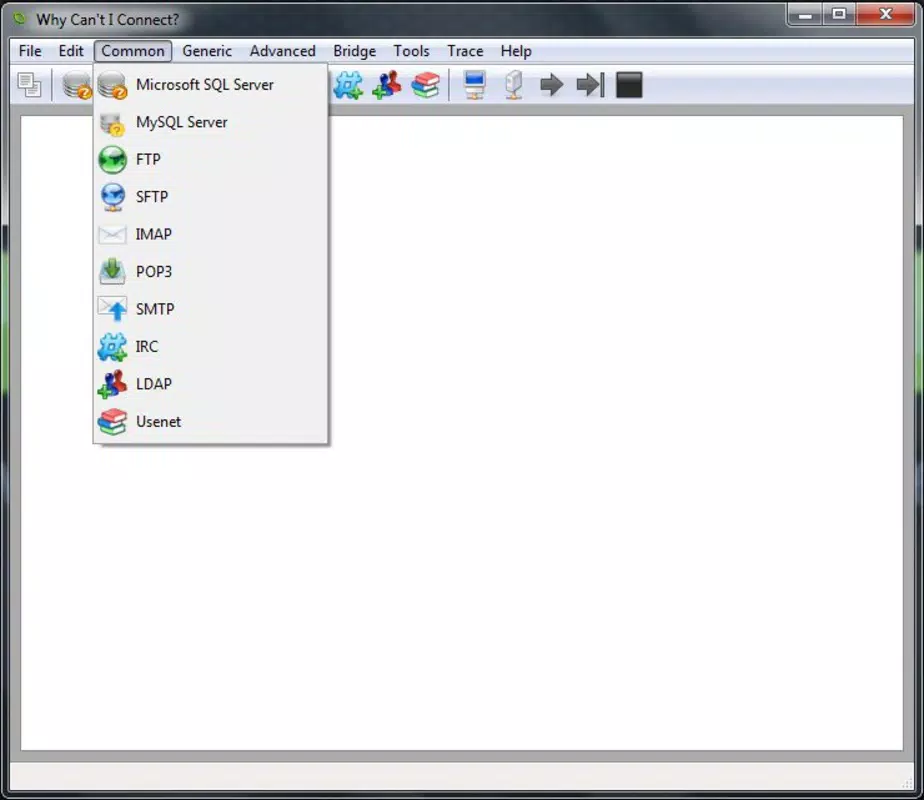
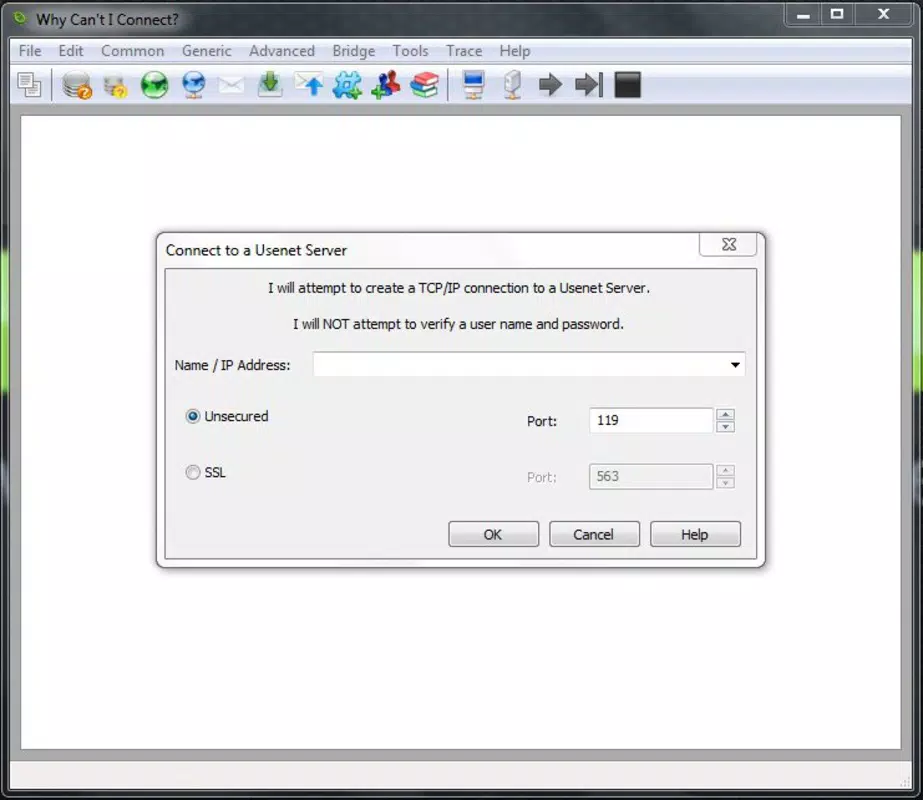
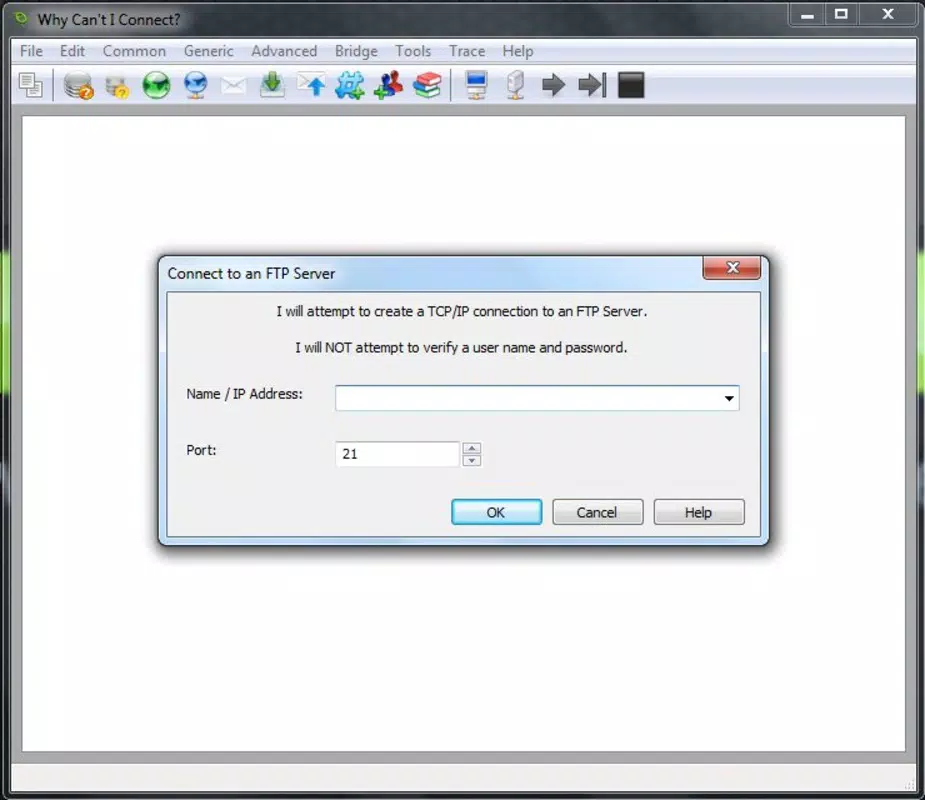
The user interface of Why Can't I Connect? is designed for clarity and efficiency. It presents diagnostic results in a structured format, using visual indicators and concise text to convey status and error information. Navigation is linear and intuitive, with primary functions accessible from a central dashboard. The layout avoids clutter, ensuring that users can focus on key data without distraction.
Although the developer did not list formal performance metrics, the app’s lightweight size of 15.2 MB suggests optimized resource usage. This likely contributes to smooth operation across a range of Android devices, including those with lower-end hardware. The app responds promptly to user inputs, and the diagnostic process completes within a reasonable timeframe, minimizing user wait times.
Stability appears to be a consistent feature, given the app’s long availability since 2015. Users can expect reliable performance during repeated diagnostic sessions. However, specific requirements for device compatibility or OS versions were not disclosed. As such, users should verify system compatibility before installation. Overall, the UX emphasizes usability and practicality, aligning with the app’s purpose as a no-frills network troubleshooting tool.
Platform Compatibility & Technical Requirements
Why Can't I Connect? is available exclusively on the Android platform. The app’s current version is 1.0.0, with a file size of 15.2 MB, indicating a compact and efficient design. The developer did not specify minimum OS requirements, nor did they provide information on supported device architectures or hardware capabilities.
Given the app’s release date in 2015 and its continued availability, it is likely compatible with a wide range of Android devices, including those running older versions of the operating system. However, users should exercise caution when installing on devices with outdated systems, as compatibility may vary. The absence of detailed technical specifications means that installation success may depend on the individual device’s configuration and security settings.
For users seeking to install the app, it is recommended to download directly from trusted sources to ensure authenticity and security. The app is free to download and use, making it accessible to a broad audience without financial barriers.
Pros and Cons
Pros
- Free to download and use, eliminating cost barriers for users.
- Lightweight size (15.2 MB) ensures minimal storage impact.
- Intuitive interface suitable for non-technical users.
- Provides detailed error codes and actionable solutions.
- Supports both client and server network diagnostics.
Cons
- Specific OS requirements were not listed by the developer.
- No information on update frequency or future development plans.
- Compatibility with newer Android versions cannot be confirmed.
- Limited visual feedback during diagnostic processes.
- Does not support iOS or other mobile platforms.
FAQ
Is Why Can't I Connect? safe to download?
The app is free and available through official Android channels. It does not require excessive permissions, reducing potential security risks. Users should still download from trusted sources to ensure authenticity.
Can I use this app on iOS devices?
No, the app is currently only available for Android. There is no iOS version or indication of future support.
How often should I update the app?
Since the developer has not disclosed update frequency, users should monitor official sources for new releases. The app’s long-standing presence suggests stable performance, but updates may be released to address compatibility or security concerns.
Does the app require internet access to function?
Yes, the app requires an active internet connection to perform network diagnostics. It analyzes real-time connectivity and cannot operate in offline mode.
Is technical knowledge required to use this app?
No, the app is designed with a user-friendly interface that simplifies complex network diagnostics. Basic navigation and understanding of error descriptions are sufficient for most users.
Final Thoughts
Why Can't I Connect? stands out as a focused, reliable tool for diagnosing TCP/IP network issues. Its ability to detect data packet errors, provide clear error descriptions, and suggest fixes makes it a valuable utility for both casual users and IT professionals. The app’s lightweight design, free access, and intuitive interface enhance its usability across diverse user groups.
While it lacks modern features like real-time monitoring or cloud integration, its core functionality remains effective and relevant. For anyone facing recurring internet connectivity problems or needing to validate network configurations, this app offers a practical solution. Its long-standing presence in the Android ecosystem speaks to its reliability and consistent performance.
Download Why Can't I Connect? now


